

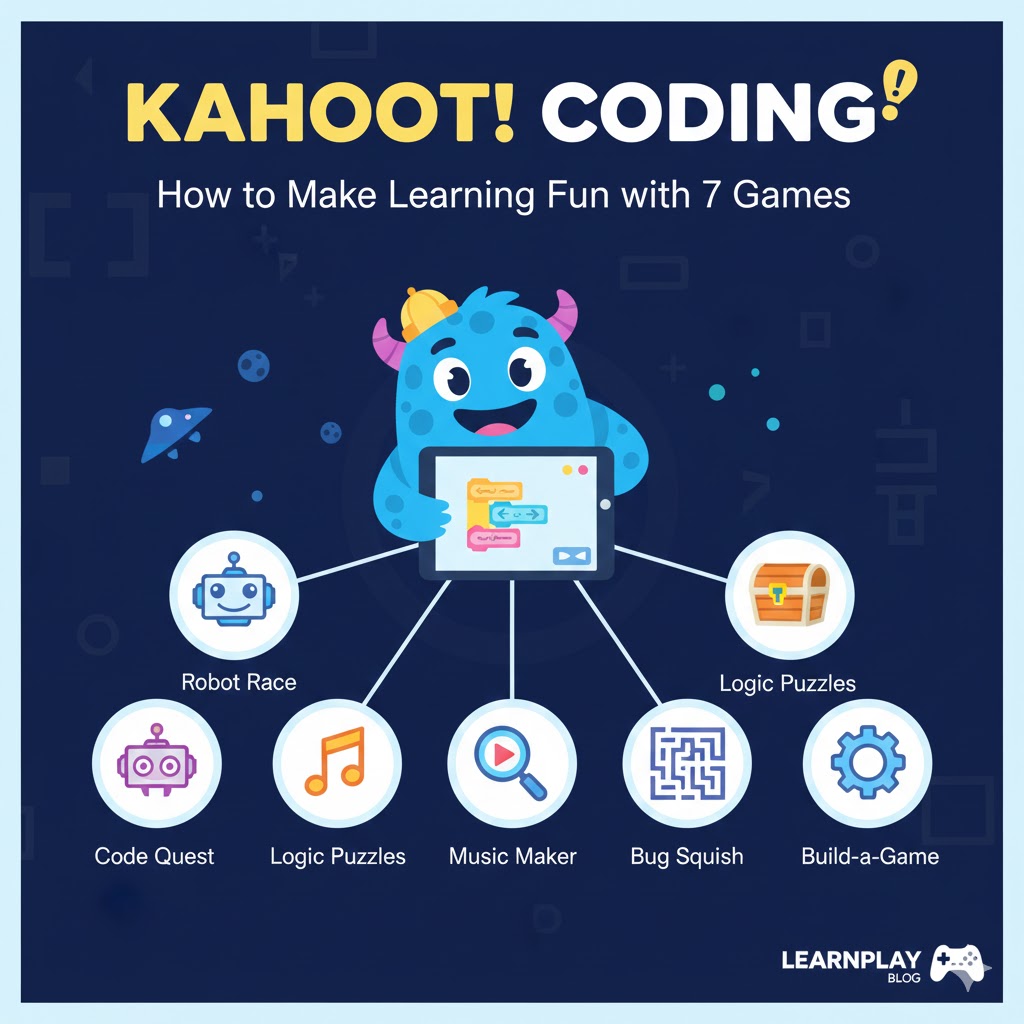
kahoot coding: How to Make Learning Fun with 7 Games
Introduction
Remember the last time you tried to teach coding concepts and watched your students' eyes glaze over with boredom? You're not alone. Coding education often struggles with engagement, especially when introducing complex programming concepts to beginners. That's where kahoot coding games come to the rescue! By transforming abstract programming concepts into interactive, competitive, and fun learning experiences, educators are revolutionizing how students approach coding education.
What is Kahoot Coding?

kahoot coding refers to the implementation of Kahoot's game-based learning platform to teach programming concepts. Kahoot is an educational technology platform that allows educators to create game-based quizzes, surveys, and discussions that engage students through competition and immediate feedback. When applied to coding education, Kahoot transforms potentially dry programming lessons into exciting, competitive games that boost retention and motivation.
Kahoot programming is ideal for:
- Coding instructors and computer science teachers
- Bootcamp educators looking to increase student engagement
- Parents teaching children basic programming concepts
- Corporate trainers upskilling employees in technical skills
Key Features & Capabilities
Kahoot's platform offers several features that make it particularly effective for teaching coding:
- Real-time feedback – Students immediately know if they understand concepts
- Competitive leaderboards – Drives engagement through friendly competition
- Customizable question formats – Adaptable for various coding concepts
- Media integration – Add code snippets, diagrams, and visual aids
- Data analytics – Track student progress and identify knowledge gaps
- Team mode – Encourage collaborative problem-solving
Setup & Requirements
Getting started with kahoot coding games is straightforward:
- Create a Kahoot account (free basic account available)
- Access to devices for students (smartphones, tablets, or computers)
- Internet connection
- Projector or shared screen (for classroom settings)
- Basic understanding of the coding concepts you wish to teach
No special software installation is required as Kahoot runs in any modern browser, making it accessible for classrooms with limited technical resources.
7 Engaging Kahoot Coding Games
1. Syntax Showdown
Create multiple-choice questions featuring code snippets with syntax errors. Students must identify the errors within the time limit, promoting careful code reading skills.
2. Algorithm Assembly
Present a programming problem and multiple possible algorithms. Students must select the most efficient solution, teaching algorithmic thinking and optimization.
3. Debugging Detective
Show buggy code snippets and ask students to identify the issue. This game builds critical troubleshooting skills essential for real-world programming.
4. Code Concept Connect
Match programming concepts with their correct definitions or applications. This reinforces terminology and theoretical understanding.
5. Function Prediction
Display a function and several possible outputs. Students must predict the correct output, strengthening their code execution mental models.
6. Code Translation Challenge
Show a code snippet in one language (like Python) and ask students to identify the equivalent in another language (like JavaScript), building versatility.
7. Logic Loop
Present logical problems that mimic programming challenges without using code. This helps beginners understand programming logic before syntax.
Pros, Limitations & Considerations
Pros:
- Increases student engagement and retention
- Provides immediate feedback
- Works for both in-person and remote learning
- Adaptable for various programming languages
Limitations:
- Not suitable for teaching hands-on coding skills
- Time constraints may rush complex concepts
- Limited for advanced programming topics
- Free version has some restrictions
Tips for Effective kahoot coding Games
- Progressive difficulty – Start with simple concepts and gradually increase complexity
- Use real-world examples – Connect coding concepts to practical applications
- Incorporate visual aids – Use diagrams and flowcharts to illustrate concepts
- Balance competition and learning – Ensure the focus remains on understanding, not just winning
- Follow up with hands-on practice – Use Kahoot as a supplement to, not replacement for, actual coding
Common Mistakes to Avoid
- Overcomplicating questions – Keep questions clear and focused on one concept
- Neglecting explanation time – Pause between questions to explain concepts
- Too much text – Keep code snippets concise and readable on mobile devices
- Ignoring accessibility – Consider students with different learning needs
Scaling Your Coding Curriculum
As students progress, kahoot coding can evolve:
- Transition from multiple-choice to more complex challenge formats
- Create game sequences that build upon previous concepts
- Introduce team challenges for collaborative problem-solving
- Use Kahoot for quick assessments before hands-on coding projects
Conclusion
kahoot coding games offer an engaging, accessible entry point to programming education that can transform how students perceive coding. By gamifying learning, educators can break down barriers to programming concepts and create an environment where students eagerly participate. Whether you're teaching children the basics or helping adults understand new programming languages, Kahoot provides a flexible, fun platform that complements traditional coding instruction.
Start by implementing one or two games in your next coding lesson and watch how student engagement transforms!
FAQs
Is Kahoot suitable for teaching advanced programming concepts?
While Kahoot works best for fundamental concepts, creative educators have used it for introducing more complex topics before deep-dive sessions.
Do students need coding knowledge to participate?
No, Kahoot games can be designed for absolute beginners with no prior programming experience.
Can I share my Kahoot programming games with other educators?
Yes, Kahoot allows you to share your games publicly or with specific colleagues.
How much time should I allocate for a Kahoot coding session?
Typically, 15-20 minutes works well as part of a larger lesson, maintaining engagement without cognitive overload.
Can Kahoot replace actual coding practice?
No, Kahoot should complement, not replace, hands-on coding experience. Use it for reinforcement, assessment, or introduction to concepts.




