

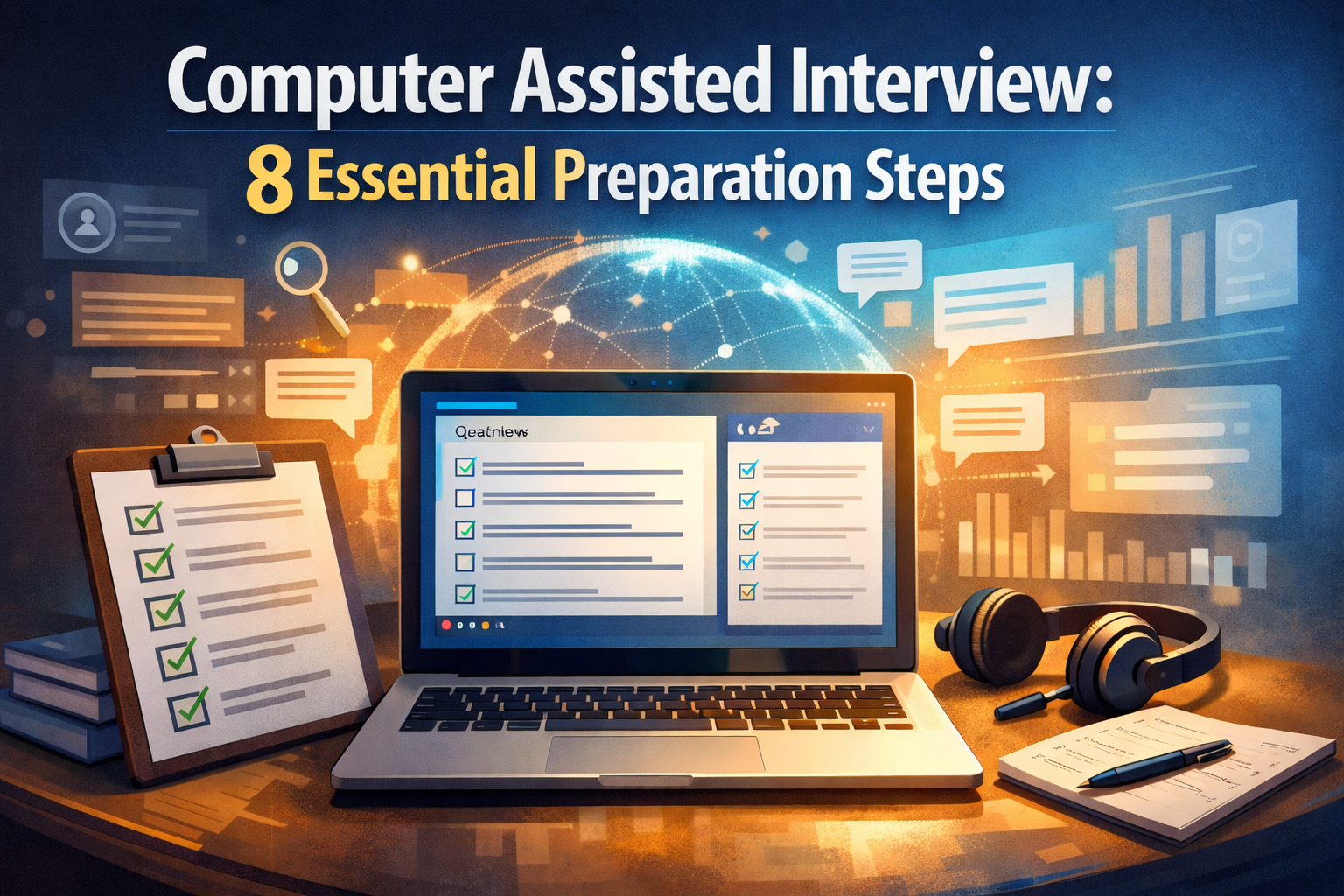
Computer Assisted Interview: 8 Essential Preparation Steps
Facing a computer assisted interview can be nerve-wracking, especially if it's your first time. Unlike traditional interviews, these tech-driven assessments require a different kind of preparation and mindset. You're not just answering questions from a human interviewer — you're navigating software designed to evaluate your responses, behaviors, and sometimes even your non-verbal cues. By the end of this guide, you'll understand exactly how to prepare for this increasingly common interview format and significantly boost your chances of success.
Table of Contents
- What is a Computer Assisted Interview?
- Why Employers Use Computer Assisted Interviews
- 8 Essential Preparation Steps
- Technology Check: Setting Up for Success
- Common Formats and What to Expect
- Answering Tips for Maximum Impact
- Post-Interview Follow-Up
- Conclusion
- Frequently Asked Questions
What is a Computer Assisted Interview?
A computer assisted interview is an assessment method that uses technology to facilitate the hiring process. Unlike traditional face-to-face interviews, these evaluations leverage software to standardize the experience, collect data points, and often analyze candidate responses using algorithms.
These interviews range from simple pre-recorded video responses to sophisticated AI-driven assessments that analyze speech patterns, facial expressions, and problem-solving approaches. The computerized interview format has gained popularity because it helps eliminate bias and allows companies to screen more candidates efficiently.
Why Employers Use Computer Assisted Interviews
Organizations implement computer assisted interview methods for several strategic reasons:
- Efficiency: They can evaluate hundreds of candidates in the time it would take to conduct just a few traditional interviews
- Standardization: Every candidate receives the same questions in the same format
- Data-driven decisions: Companies collect quantifiable metrics rather than relying solely on "gut feelings"
- Reduced bias: By focusing on predefined criteria, these systems can help minimize unconscious hiring biases
- Geographic flexibility: Candidates can participate from anywhere, expanding the talent pool
According to a study by LinkedIn, 82% of hiring professionals believe that interview technology will be very important in the future of recruiting.
8 Essential Preparation Steps
1. Research the Format
Different companies use various computer assisted interview platforms. Find out whether you'll face:
- On-demand video interviews (answering pre-recorded questions)
- Live video interviews with screen sharing
- AI-powered assessments
- Technical skill simulations
- Game-based assessments
2. Technical Setup
Ensure your equipment works flawlessly:
- Test your camera, microphone, and speakers
- Secure a stable internet connection
- Install required software ahead of time
- Have a backup plan (alternative device, mobile hotspot)
3. Environment Optimization
Create a professional interview setting:
- Choose a quiet location with minimal distractions
- Ensure good lighting (facing you, not behind you)
- Select a neutral background
- Remove visual and audio distractions
4. Practice With the Technology
Familiarity breeds confidence:
- Record practice videos to assess your presentation
- Try mock interviews on platforms like InterviewStream
- Get comfortable looking at the camera (not the screen)
5. Prepare Structured Responses
The computer assisted interview format rewards clarity and structure:
- Practice the STAR method (Situation, Task, Action, Result)
- Prepare concise answers (many platforms have time limits)
- Include quantifiable achievements where possible
6. Research Common Questions
While questions vary, computerized interview platforms often include standards like:
- "Tell me about a time when you faced a challenge…"
- "How do you prioritize tasks when facing tight deadlines?"
- "What's your approach to learning new skills?"
7. Dress Professionally
Visual presentation matters:
- Dress as you would for an in-person interview
- Avoid busy patterns that may distract or appear strange on camera
- Consider how your clothing appears against your background
8. Mindset Preparation
Mental readiness is crucial:
- Practice speaking to a camera without immediate feedback
- Prepare for potentially awkward silence or transitions
- Develop strategies to stay engaged without human interaction
Technology Check: Setting Up for Success
Before your computer assisted interview, run through this technical checklist:
- Hardware: Position your camera at eye level; use external microphone if possible
- Software: Update your browser and any required applications
- Backup plan: Have a phone ready with interview details and alternate contact methods
- Notifications: Disable all pop-ups and alerts on your device
- Battery: Ensure devices are charged or plugged in
Common Formats and What to Expect
The computer assisted interview comes in several formats, each requiring different preparation strategies:
One-Way Video Interviews:
- You'll record answers to pre-set questions
- Often includes time limits for preparation and responses
- May allow multiple recording attempts
Live Video Interviews with AI Analysis:
- Real-time conversation with recording and analysis
- May track eye contact, speech patterns, and facial expressions
- Often followed by an AI-generated assessment report
Skill-Based Assessments:
- Practical demonstrations of job-relevant abilities
- May include coding challenges, writing tasks, or problem-solving scenarios
- Usually timed and automatically evaluated
Answering Tips for Maximum Impact
When facing a computer assisted interview, these techniques will help you shine:
- Be natural but energetic: Compensate for the lack of in-person chemistry
- Speak clearly and at a moderate pace: Many systems analyze speech patterns
- Focus on keywords relevant to the role: AI systems often scan for job-specific terminology
- Address the camera directly: Create the impression of eye contact
- Use the "pause" feature if available: Take a moment to collect your thoughts
Post-Interview Follow-Up
After your computerized interview:
- Send a thank-you email to your contact person
- Request feedback on your interview performance
- Keep notes on the questions and format for future reference
- Follow up appropriately if you don't hear back within the stated timeframe
Conclusion
Mastering the computer assisted interview requires adapting traditional interview skills to a technology-mediated environment. With proper preparation, you can overcome the unique challenges of this format and showcase your qualifications effectively. Remember that despite the technology, human decision-makers will ultimately review your responses, so focus on communicating your authentic professional story and value proposition.
The next time you're invited to a computer assisted interview, approach it with confidence knowing you've thoroughly prepared. Have you experienced this interview format? Share your experiences in the comments below!
Frequently Asked Questions
How long should I spend preparing for a computer assisted interview?
Aim for at least 3-5 hours of preparation, including research, practice sessions, and technical setup testing.
Can AI really assess my personality through a computerized interview?
While AI can analyze speech patterns, word choice, and facial expressions, these systems have limitations. Focus on being authentic rather than trying to "game" the system.
What should I do if I experience technical difficulties during the interview?
Stay calm, attempt basic troubleshooting, and contact the recruiter through alternative means if problems persist.
Are computer assisted interviews more difficult than traditional ones?
They're different rather than more difficult. Some candidates actually prefer the structure and find it easier to focus without the pressure of in-person interaction.
How can I make eye contact in a video interview?
Look directly at your camera lens rather than at the screen. This creates the impression of eye contact for viewers.
Will I know if AI is analyzing my responses?
Companies should inform you if AI analysis is part of the process, but when in doubt, assume some level of automated assessment is happening.
Are these interviews recorded and stored?
Most are recorded and stored for a limited time. You can ask the recruiter about their data retention policies if you have concerns.




