

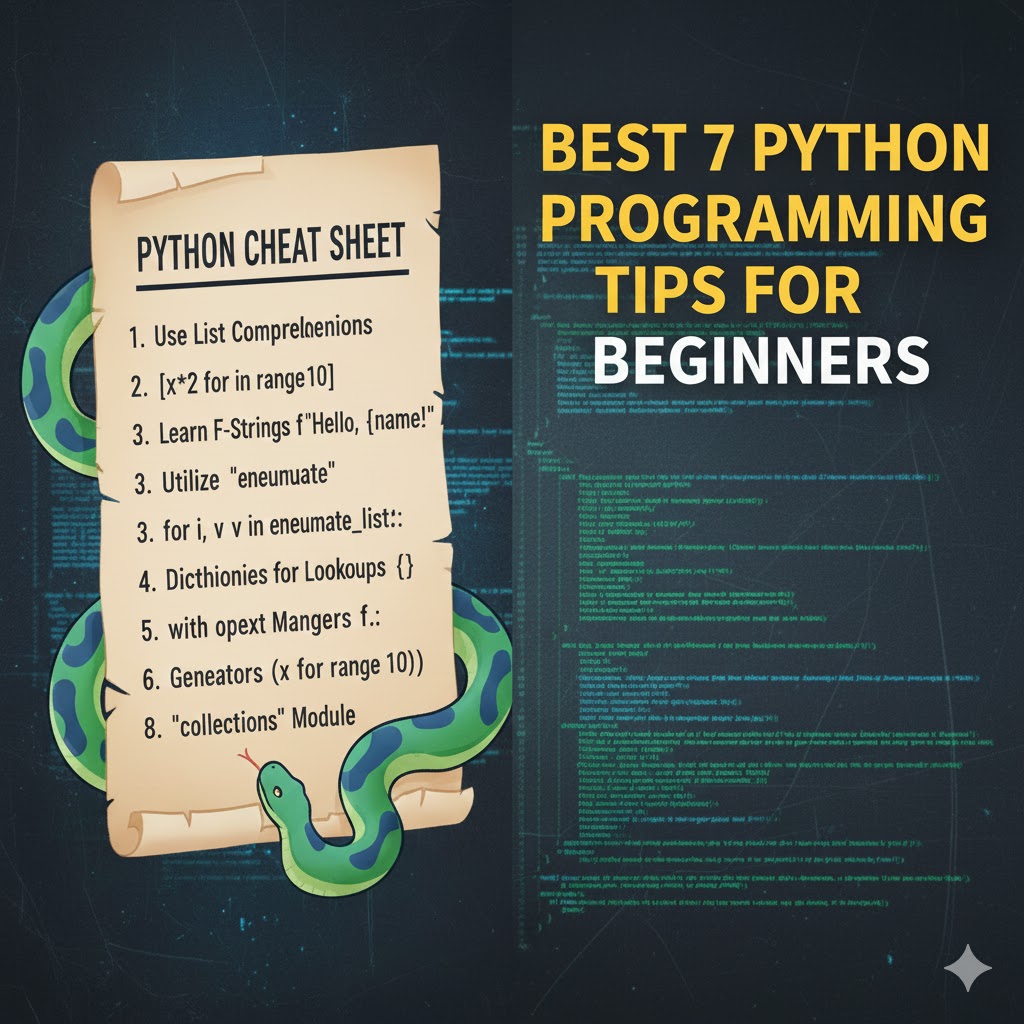
Python Cheat Sheet: Best 7 Python Programming Tips for Beginners
Introduction
Have you ever found yourself staring at your code editor, wondering how to simplify a complex Python task? You’re not alone. Many beginners struggle with Python’s vast capabilities and syntax nuances. The good news is that having a reliable python cheat sheet can transform your coding journey from frustrating to fluid. Whether you’re automating repetitive tasks, analyzing data, or building web applications, these programming tips will help you write cleaner, more efficient code while saving precious development time.
Python Programming Fundamentals

Python has become the language of choice for beginners and professionals alike due to its readability and versatility. A comprehensive python cheat sheet serves as your quick reference guide when you need to recall syntax or best practices. This programming language excels in:
- Web development (with frameworks like Django and Flask)
- Data analysis and visualization
- Machine learning and AI applications
- Automation and scripting
- Game development
Best suited for developers of all skill levels, Python solves the core problem of balancing simplicity with powerful functionality. Its extensive library ecosystem integrates seamlessly with modern AI workflows, making it ideal for both quick scripts and enterprise applications.
Key Features & Capabilities
Python’s strength lies in its rich feature set and intuitive syntax:
- Easy-to-read syntax that emphasizes code readability
- Extensive standard library providing built-in functionality
- Dynamic typing eliminating the need for variable declarations
- Cross-platform compatibility across Windows, Mac, and Linux
- Robust community support with countless resources and packages
The python quick reference guides are particularly valuable when exploring these capabilities, offering instant access to syntax examples and library usage patterns.
Setup & Requirements
Getting started with Python is straightforward:
- Python interpreter: Download from python.org (version 3.8+ recommended)
- Code editor: Visual Studio Code, PyCharm, or Sublime Text
- Package manager: pip (included with Python installation)
- Virtual environment: venv or conda for dependency management
For beginners, I recommend installing the Anaconda distribution, which includes Python, Jupyter notebooks, and popular data science libraries in one package.
Step-by-Step Implementation Guide
- Install Python: Download and run the installer from python.org, ensuring you check “Add Python to PATH”
- Verify installation: Open command prompt/terminal and type
python --version - Set up a virtual environment: Run
python -m venv myenvfollowed by activation commands - Install essential libraries: Use
pip install pandas numpy matplotlibfor data science - Create your first script: Write and save a simple “Hello World” program
- Execute your code: Run
python myscript.pyfrom the terminal
Having a python cheat sheet handy during these steps ensures you won’t get stuck on syntax or commands.
Use Cases & Real-World Applications
Python’s versatility makes it valuable across numerous scenarios:
- Data analysis: Processing CSV files and generating insights
- Web scraping: Extracting information from websites automatically
- API integration: Connecting different services and platforms
- Task automation: Handling repetitive tasks like file operations
For instance, a marketing analyst might use Python to automate report generation, saving hours of manual work each week.
Pros, Limitations & Considerations
Understanding Python’s strengths and limitations is essential:
Advantages:
- Easy to learn and read
- Extensive library support
- Strong community resources
- Versatile across multiple domains
Limitations:
- Slower execution compared to compiled languages
- GIL (Global Interpreter Lock) limiting true multithreading
- Memory-intensive for large applications
- Mobile development not as streamlined
A good python cheat sheet will help you leverage the advantages while navigating around the limitations.
Tips, Best Practices & Optimization Advice
To master Python efficiently:
- Use list comprehensions instead of traditional loops for better readability
- Leverage built-in functions like
map(),filter(), andreduce() - Follow PEP 8 style guidelines for consistent code formatting
- Utilize virtual environments to manage dependencies
- Write docstrings for functions and classes
Common Mistakes to Avoid
Even with a python quick reference, beginners often make these mistakes:
- Improper indentation causing syntax errors
- Forgetting to close files or database connections
- Using mutable default arguments
- Neglecting error handling with try-except blocks
- Importing entire modules instead of specific functions
Conclusion
A quality python cheat sheet can be the difference between frustration and productivity for beginners. By mastering these seven essential tips, you’ll build a solid foundation that will serve you throughout your programming journey. Python’s readability, versatility, and extensive ecosystem make it an excellent choice for new developers.
Ready to level up your Python skills? Bookmark this guide, download a comprehensive reference sheet, and practice these concepts in small projects. Remember, consistent practice with these fundamentals will transform you from a beginner to a confident Python programmer.
FAQs
Is Python difficult to learn for complete beginners?
No, Python is widely considered one of the most beginner-friendly programming languages due to its readable syntax and straightforward structure.
How long does it take to learn Python basics?
Most beginners can grasp Python fundamentals within 2-4 weeks of consistent practice, though mastery takes much longer.
Do I need a computer science degree to learn Python?
Absolutely not! Many successful Python developers are self-taught using online resources and practice.
Can Python handle large-scale applications?
Yes, Python powers parts of Google, Instagram, Spotify, and many other enterprise applications, though performance optimization becomes important at scale.
What’s the best way to practice Python as a beginner?
Work on small projects that interest you, solve coding challenges on platforms like LeetCode, and contribute to open-source projects as you gain confidence.




